Voice input
The voice input function allows you to enter your requests verbally, which are then automatically converted into text.
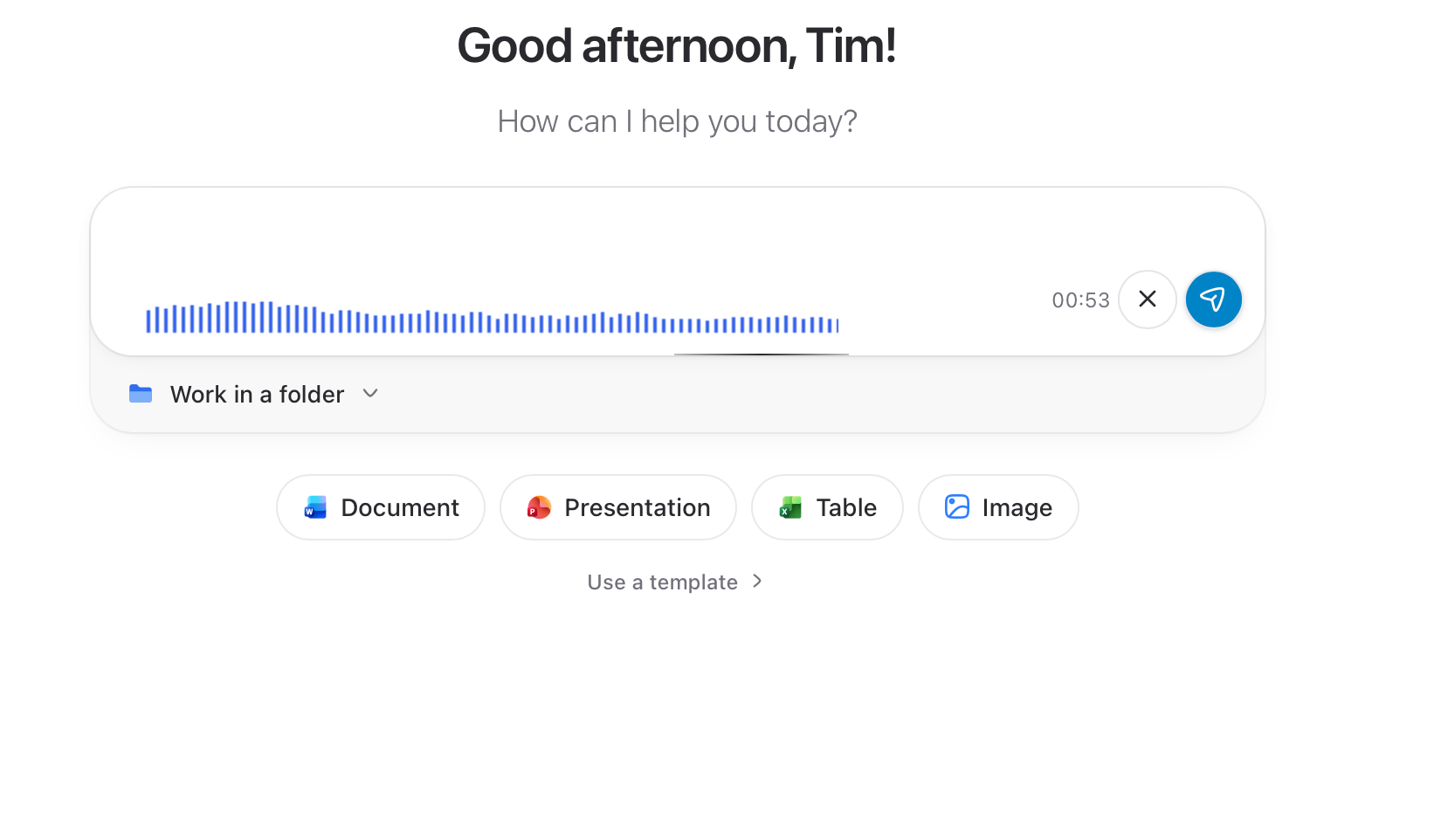
Enable voice input: Click the microphone icon in the input bar in the chat window.
Start speaking: Begin speaking clearly and distinctly after the microphone has been activated.
Confirm input: Stop speaking and confirm the transcribed text to use it as your message.
Tip: You can start another audio clip at any time; it will then be added to your existing message.Send message: Click the arrow icon to send the transcribed message to InnoGPT.
Was this helpful?
Still need help? Ask the team