innoGPT API - Introduction & Quickstart
The innoGPT API is an OpenAI-compatible enterprise API that provides access to over 50 AI models—all via a single API key, fully GDPR-compliant, and hosted in the EU.
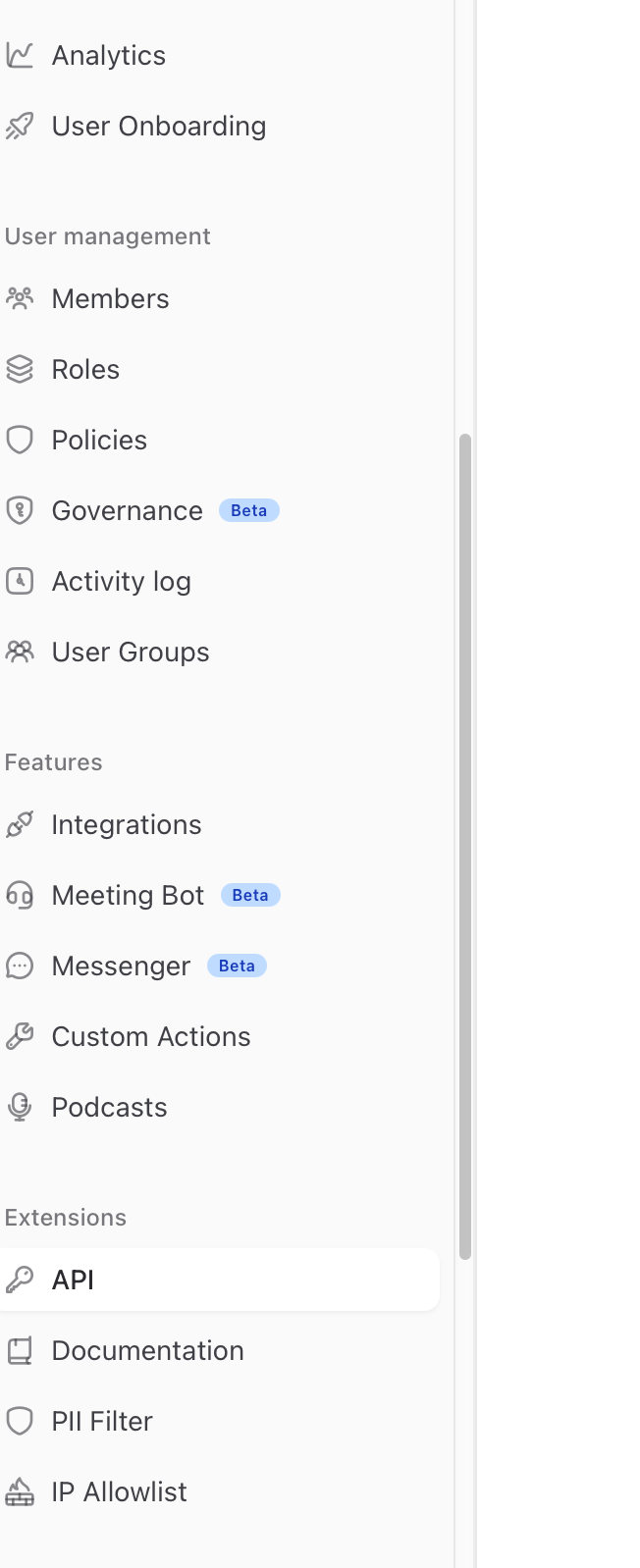
💡 Good to know: You can also find all the content in this documentation and even more information directly in your innoGPT account under Settings → API Keys → Documentation. There, you’ll also have access to the interactive Swagger UI for live testing of all endpoints.
What is the innoGPT API?
A unified interface that lets you:
Use 50+ AI models via a single endpoint (GPT-5, Claude 4.6, Gemini 2.5, Mistral, …)
Reuse your existing OpenAI SDK — just change the base URL
Work in compliance with GDPR and hosted in the EU
Access built-in tools (web search, code execution, RAG, …)
Work with projects and assistants from your workspace via API
Base URL
https://app.innogpt.de/api/ext/v1
OpenAI compatibility
Already using the OpenAI SDK? Just swap out the base URL—the rest stays the same:
from openai import OpenAI

client = OpenAI(
    api_key="sk_live_dein_key",
    base_url="https://app.innogpt.de/api/ext/v1"
)

response = client.chat.completions.create(
    model="gpt-5",
    messages=[{"role": "user", "content": "Hallo!"}]
)
Works the same way with Node.js, Go, Java, and all other OpenAI-compatible SDKs.
Quickstart in 5 minutes
Step 1: Create an API key
Log in to your innoGPT account
Go to Settings → API Keys
Click on Create New API Key
Assign a name (e.g., “Production Backend”)
⚠️ Set a monthly limit — protects against overuse and abuse
Copy the key immediately — it will only be displayed once
Step 2: Send the first request
curl -X POST \
  -H "Authorization: Bearer $API_KEY" \
  -H "Content-Type: application/json" \
  https://app.innogpt.de/api/ext/v1/chat/completions \
  -d '{
    "model": "gpt-5",
    "messages": [
      {"role": "system", "content": "Du bist ein hilfreicher Assistent"},
      {"role": "user", "content": "Hallo!"}
    ],
    "temperature": 0.3
  }'
Step 3: Enable streaming
For real-time responses (token-by-token):
curl -N -X POST \
  -H "Authorization: Bearer $API_KEY" \
  -H "Content-Type: application/json" \
  https://app.innogpt.de/api/ext/v1/chat/completions \
  -d '{
    "model": "gpt-5",
    "messages": [{"role": "user", "content": "Stream bitte"}],
    "stream": true
  }'
Endpoints at a glance
→ Complete reference: Article 7 — API Reference
Response Headers
Each response contains useful headers:
Debugging tip: If you encounter errors, always include the
X-Request-Idwhen contacting support.
Need help?
Write to us — we usually respond within one business day.
Was this helpful?
Still need help? Ask the team